Apple Watch and health integrations
Health and Watch features are optional. You can use the rest of Cleanpull without granting health access.
Train with Apple Watch
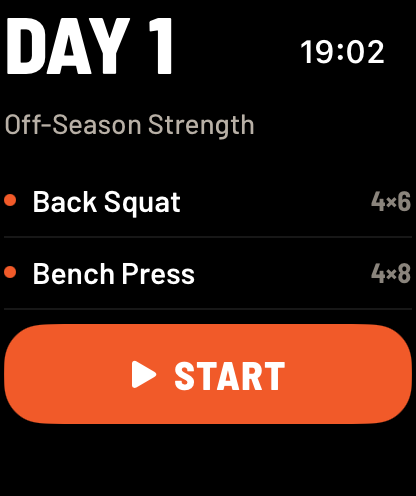
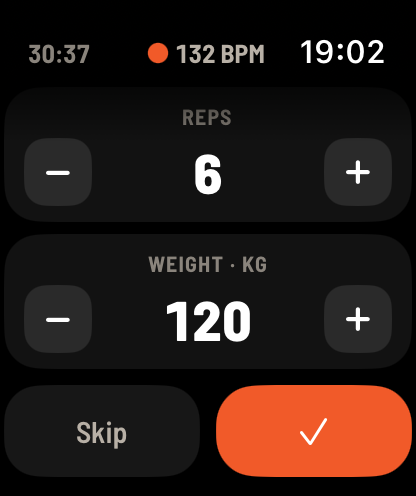
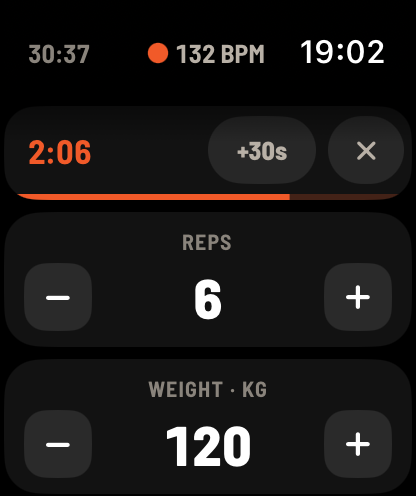
Section titled “Train with Apple Watch”The Cleanpull Watch app works with the app on your paired iPhone. Open it to start or resume your prescribed strength workout, then log reps and weight from your wrist. Weights follow the unit system chosen in the iPhone app’s settings.
To log a warm-up from the Watch, set your reps and weight, then press and hold the log button. The Watch taps once and the button shows a flame. Release to log the set as a warm-up. The warm-up does not count toward your prescribed sets. If your rest timer starts automatically, a 30-second rest begins. Warm-ups count toward the workout’s volume.
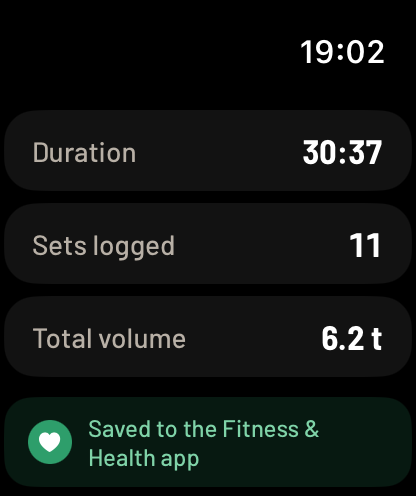
During the workout, the Watch can show the current exercise, rest countdown, live heart rate, and active calories burned. Finish the workout and its check-in on the Watch; the workout syncs through the iPhone.
If the Watch temporarily loses its phone connection, it saves your logged sets and sends them when the connection returns. Keep Cleanpull open on your iPhone until every set from the Watch has synced.
Use the iPhone Live Activity
Section titled “Use the iPhone Live Activity”While an iPhone workout is active, the Live Activity shows the current exercise and rest countdown on the Lock Screen and Dynamic Island. Tapping it returns to the active workout. It ends when the workout ends or there is no exercise left to log.
Use Log Set on the Lock Screen to log the displayed set without opening Cleanpull. If you need to change the reps or weight, open the workout first. During rest, +30s extends the countdown and Start Set ends the rest so you can begin the next set. If a set has no weight entered, open the app and enter it before logging from the Lock Screen.
The Live Activity stops updating after half an hour without a set or rest timer. If its controls stop responding, open Cleanpull and check the active workout before trying again. Force-quitting the app can prevent Lock Screen actions from being saved; leave Cleanpull running in the background.
Import body weight from Apple Health
Section titled “Import body weight from Apple Health”In the iPhone app:
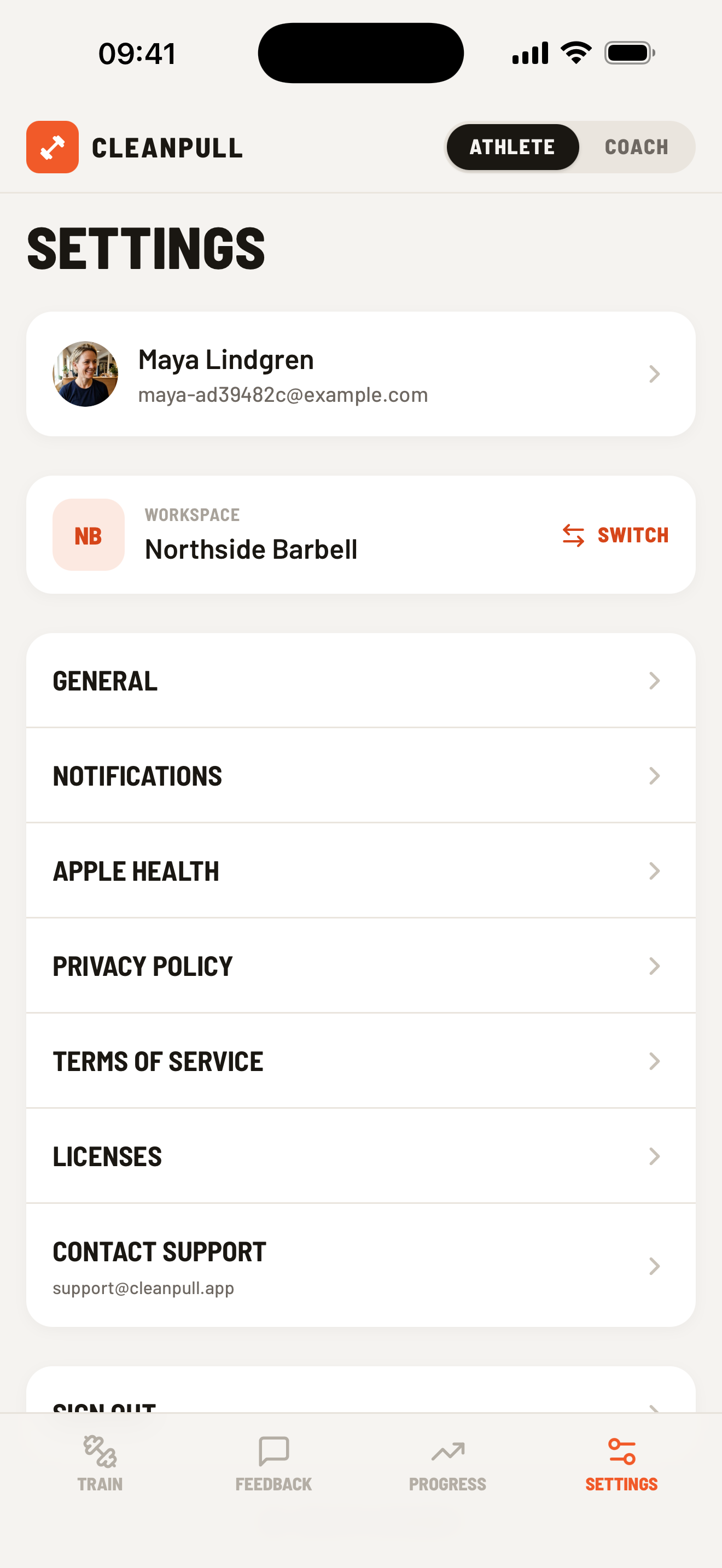
- Open Settings → Apple Health.
- Choose Enable Apple Health sync.
- Grant access to body-weight data in Apple Health.
Cleanpull checks the last 12 weeks of readings and saves new readings to your Cleanpull account. The latest reading updates the body weight visible to coaches in workspaces where you are an athlete.
Turning sync off stops future checks but keeps readings already saved. To remove Cleanpull’s access to Apple Health, open the Health app, tap your profile picture, and find Cleanpull under Apps or Devices.
Import body weight from Health Connect
Section titled “Import body weight from Health Connect”In the Android app:
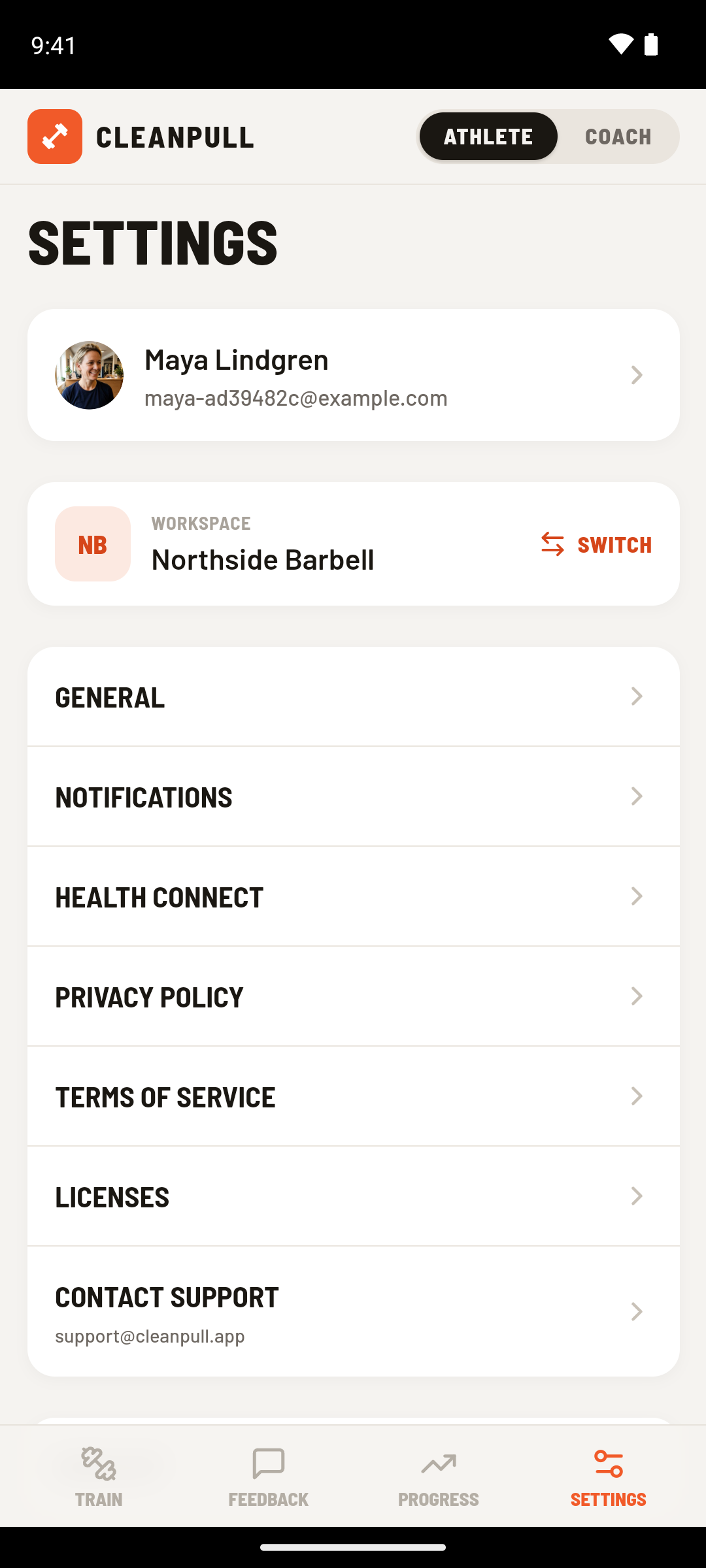
- Open Settings → Health Connect.
- Choose Enable Health Connect sync.
- Allow Cleanpull to read body weight.
Cleanpull imports the last 12 weeks and then imports new readings as they are added. If Health Connect is not set up, use Install Health Connect, finish setup, and return to Cleanpull. If you previously denied or revoked access, choose Open Health Connect to change the permission there.
Save completed workouts to Apple Health or Health Connect
Section titled “Save completed workouts to Apple Health or Health Connect”Cleanpull saves each finished workout to Apple Health or Health Connect as strength training. Other apps that import workouts from Apple Health or Health Connect, such as Oura or WHOOP, may use that record instead of detecting the workout themselves.
To stop workout sharing, turn off the Workouts permission for Cleanpull in Apple Health or Health Connect. This is separate from Cleanpull’s body-weight sync switch.