Profile, settings, and account security
Your Cleanpull account can belong to more than one workspace and can use both Coach and Athlete modes. Your personal settings apply across workspaces; programs and conversations stay with their workspace.
Update your profile
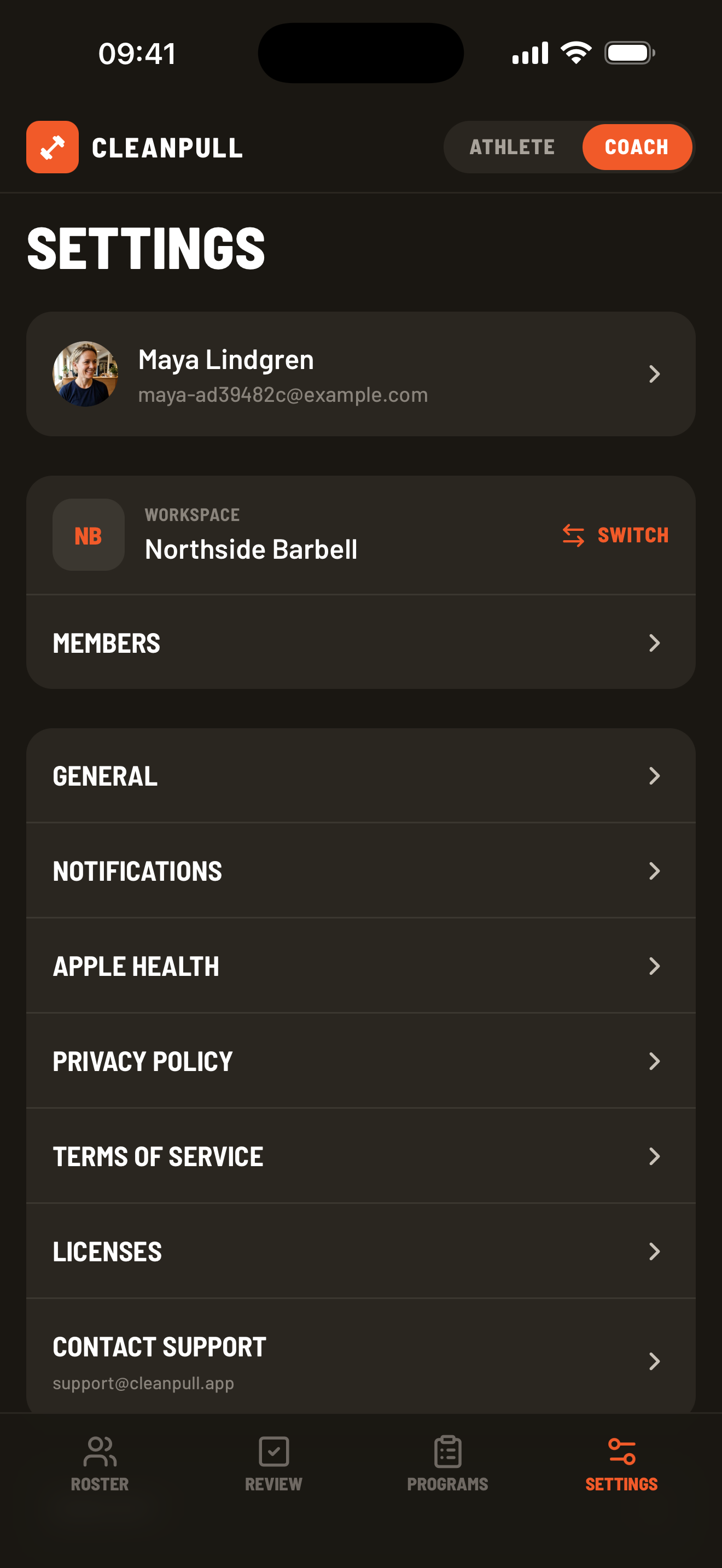
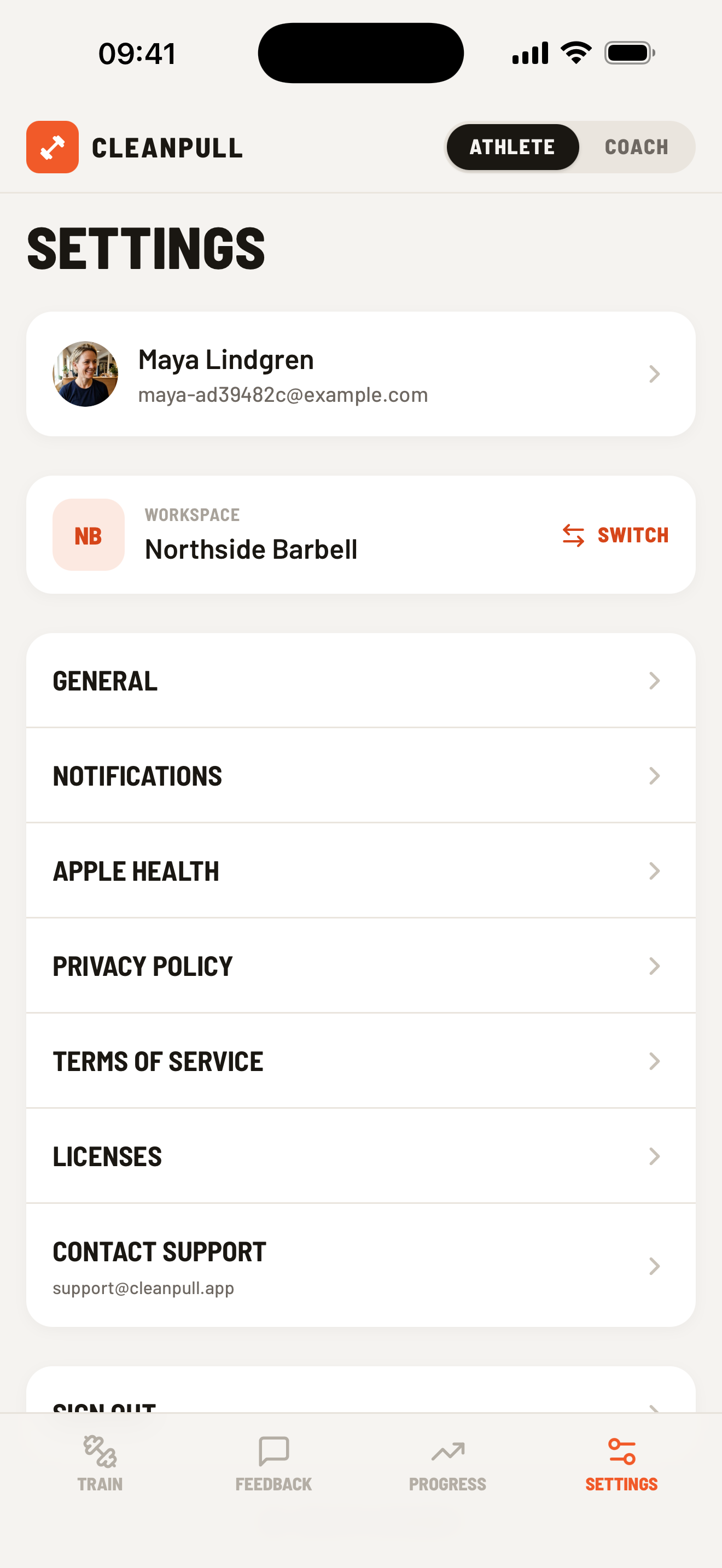
Section titled “Update your profile”Open Settings and choose your profile card. You can update your profile photo, first and last name, gender, height, and body weight. Choose Save profile before leaving.
Your latest body weight can also be updated from a manual weigh-in or an enabled health integration.
Change units and workout defaults
Section titled “Change units and workout defaults”Open Settings → General to select Metric or Imperial units. This changes how Cleanpull displays and accepts weight and height; your saved measurements stay the same.
General settings also control the default rest duration, whether the rest timer starts automatically after a logged set, and whether it follows the rests you take during a workout.
Control notifications
Section titled “Control notifications”Notification preferences are available in the iPhone and Android apps and in the coach web app. On iPad, first add the coach web app to your Home Screen, then open Settings → Notifications from the installed app and enable notifications. If permission was denied, enable Cleanpull in the device’s notification settings.
Athletes can control coach feedback, rest timer, and workout-reminder alerts. Coaches can control athlete messages, finished workouts, and new-member alerts.
The coach web app currently offers athlete-message and completed-workout alerts.
Tips and updates by email
Section titled “Tips and updates by email”To receive tips and product news, leave the box ticked when you create your account. You can also turn on Tips and updates by email later under Settings → General in the phone apps or Settings → Preferences in the coach web app.
To stop these emails, turn the switch off or use the unsubscribe link in an email. You will still receive account emails, such as email verification, password resets, and confirmation of a new workspace. Coaches also get a daily summary email, which the workspace owner can turn off.
Reset your password
Section titled “Reset your password”On the sign-in screen, choose Reset password, enter your account email, and open the newest reset message. Create a password with at least eight characters.
Reset links expire and can be used only once. Request a fresh email if Cleanpull says the link is no longer valid. Cleanpull support will never ask for your password.
Verify your email
Section titled “Verify your email”New accounts must verify their email address. If sign-in reports Email not verified, choose Re-send email, then open the newest verification message. Check spam or junk folders if it does not arrive after a few minutes.
Sign out
Section titled “Sign out”Open Settings → Sign Out. Signing out does not delete training, memberships, or conversations stored in your account.
Delete your account
Section titled “Delete your account”Open Settings → Delete account, read what will be deleted, and choose Delete my account forever. Cleanpull sends a confirmation link to your account email. Open the link and confirm to delete your account. The link expires in 30 minutes.
Deletion cannot be undone. For an athlete it erases logged workouts, lifts, PRs, programs, feedback, weigh-ins, and workspace memberships. For a coach it erases the coach’s own training, messages they wrote, and workspace memberships; workspace programs and athletes’ training can remain while the workspace still has members.